> For the complete documentation index, see [llms.txt](https://docs.os.uk/more-than-maps/llms.txt). Markdown versions of documentation pages are available by appending `.md` to page URLs; this page is available as [Markdown](https://docs.os.uk/more-than-maps/data-demonstrators/network-demonstrators/os-ngd-water-network.md).
# OS NGD Water Network
A Lightning Talk
## What data is in OS NGD Water Network?
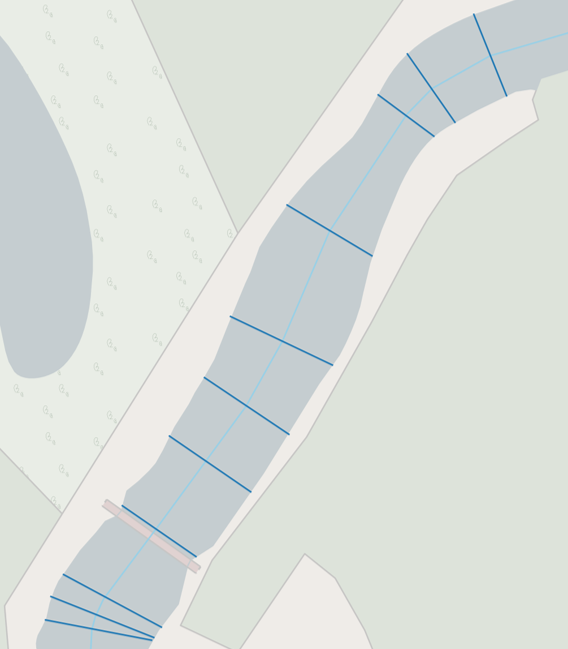
There are seven feature types in the OS NGD Water theme: four in the Features collection and three in the Network Collection. The geometry in the Network Collection is the same as OS MasterMap Networks - Water Layer, although the attribution is from OS NGD.
{% tabs %}
{% tab title="Water Links" %}
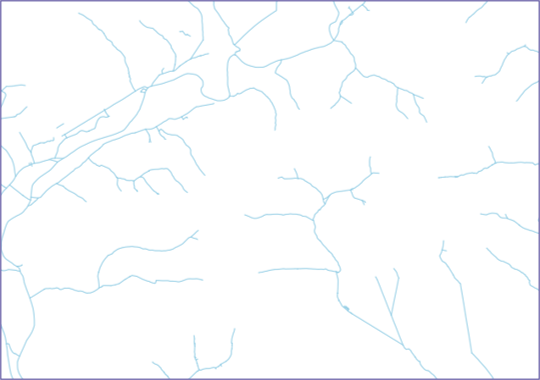
Water Links
This is a set of links that represent the full water network.
{% endtab %}
{% tab title="Water Nodes" %}
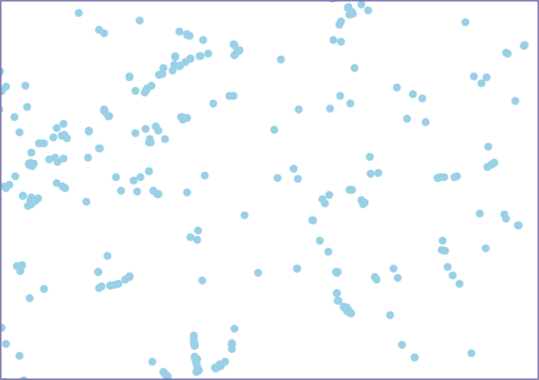
Water Nodes
These are the node features that work with the water network to create a link and node structure
{% endtab %}
{% tab title="Water Linkset" %}
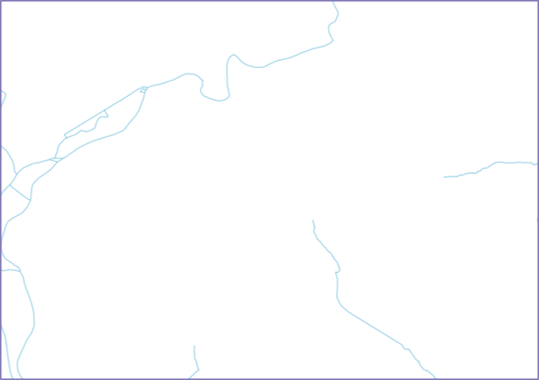
Water Linkset
These are named watercourses, similar to the Road data in the Transport theme and are made up of references to individual links, but are also given a geometry in their own right in OS NGD
{% endtab %}
{% endtabs %}
## OS NGD Water Network – Water Linkset
Water Linkset is additional dataset in the Water Network data. This is the same principle as Roads and Streets in the Transport theme.
In OS MasterMap Networks - Water Layer Water Links had a watercourse name but the entire watercourse was not present as a separate feature. In the OS NGD Water Network the full extent of named watercourses now exist as separate features in the Water Linkset data
On the Water Link Feature Type the nameID attribute gives a cross reference between the Water Link and the Water Linkset feature it is part of.
There is also a wtr\_ntwk\_waterlinkset\_wtrlinkref that gives a look-up between the two datasets
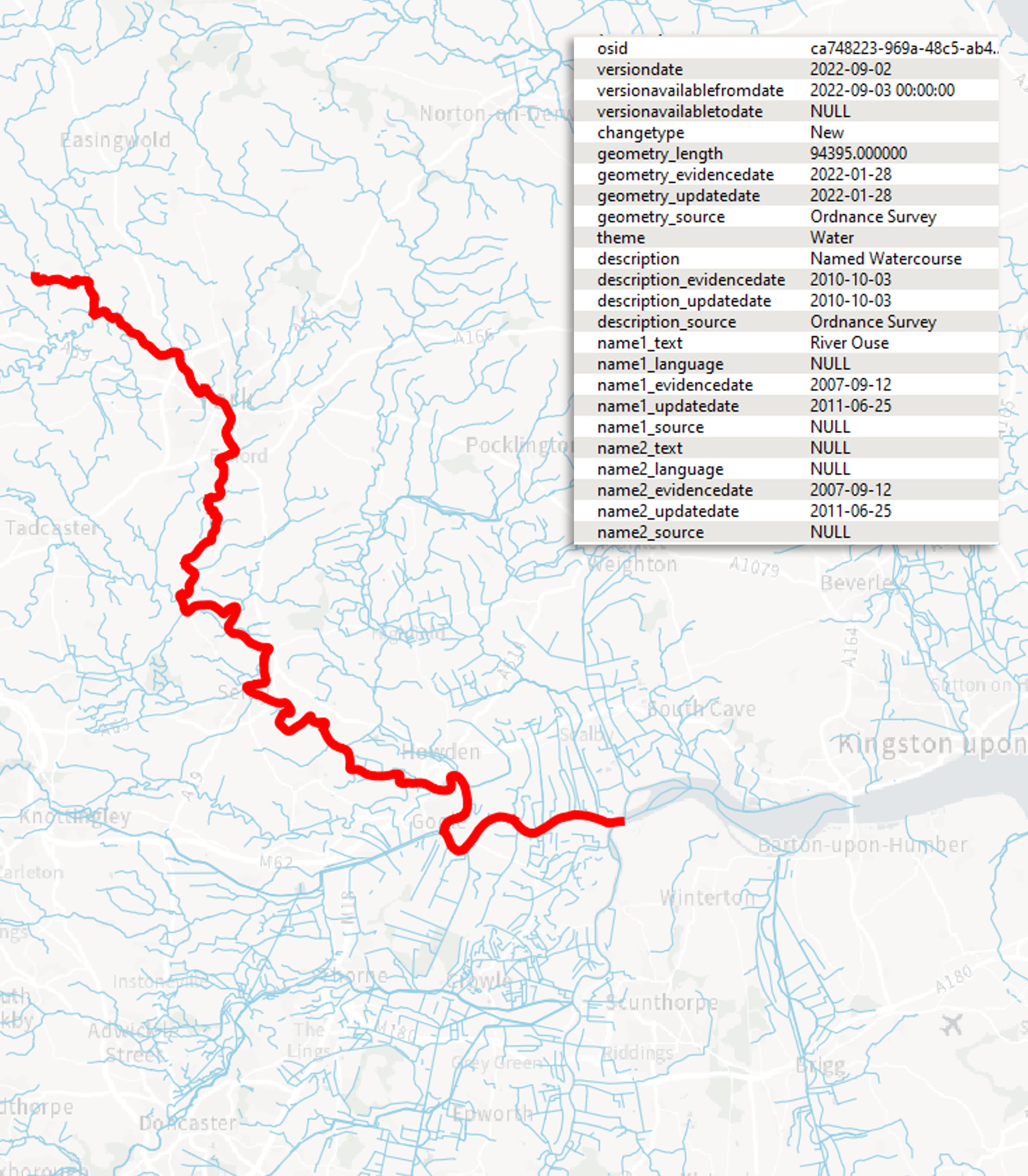
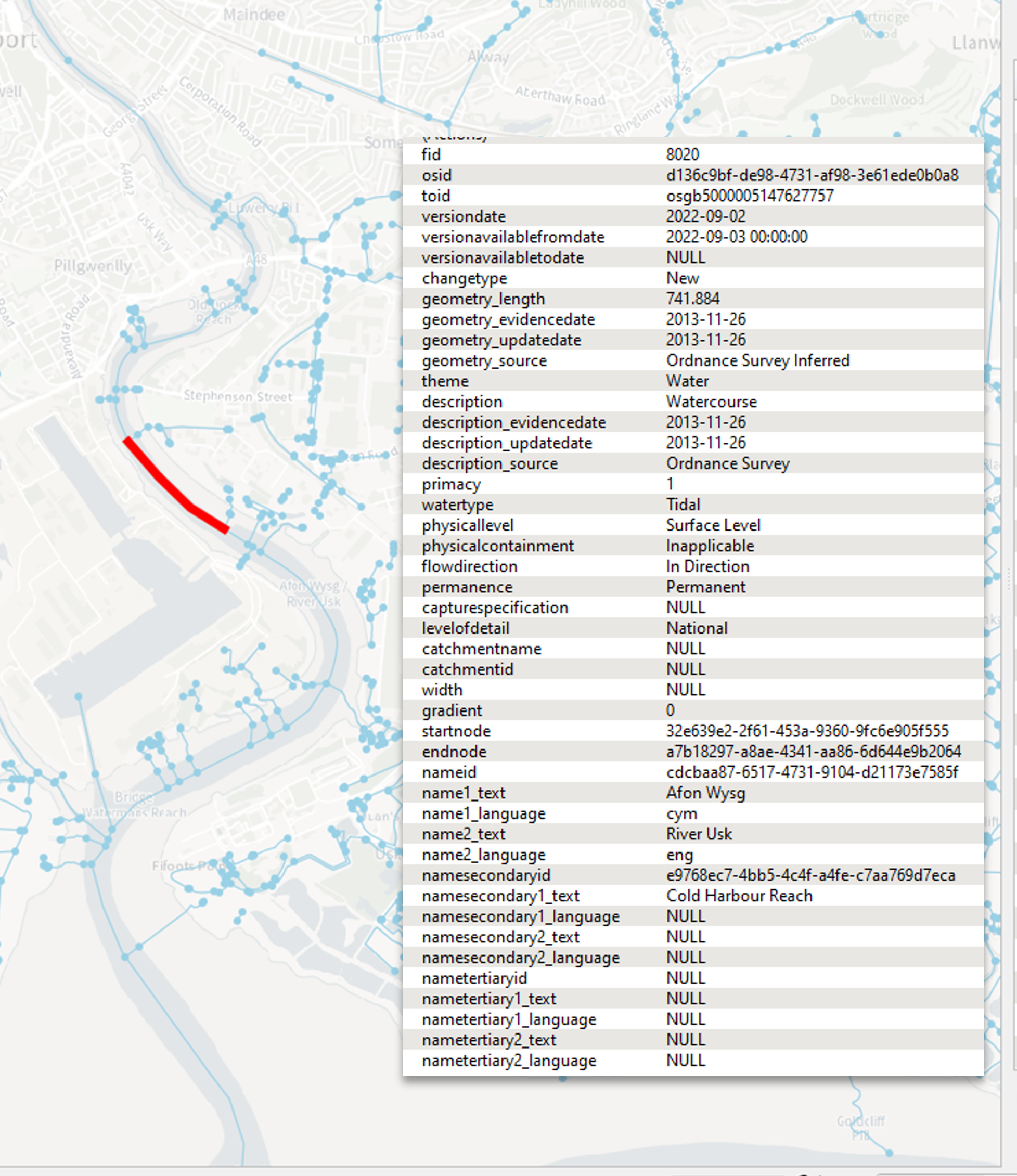
A Water Linkset example
## What formats does the OS NGD Water Network data come in?
The OS NGD Water Network data comes in two formats, CSV and GeoPackage (GPKG)
* The GeoPackage format comes ready to load into the GIS package of the users choice with different gpkg files for each layer.
* The CSV format is more suited for loading into a database. It has all of the same layers in csv format and all the same attribution as the GeoPackage, however instead of storing the geometry in a GIS ready format, it is stored as a POINT, LINESTRING or MULTILINESTRING attribute with all of the vertices stored as co-ordinate pairs in the text file.
## What is the new attribution?
The attribution has changed from the OS MasterMap Networks - Water Layer product:
* OS NGD data has an OSID
* The features have a TOID, version date and changetype similar to the OS MasterMap family of products, although the TOID is an optional field
* There are triple name fields to allow for alternative languages and alternative names. The example shown here is in Wales and has both a CYM and ENG names and an alternative name. Language names also have unique name IDs to distinguish between languages
* There is also information about geometry source, description, type, permanence.
* Fields exist for catchment name, width and so on, but not all are populated currently
Water Network attribution
## Source of new attributes
Ordnance Survey surveyors and remote sensing teams have been capturing and maintaining information on land cover, land use and a more detailed level of description for over 10 years.
The more detailed data has previously been transformed and filtered to match attribution and content for existing products, such as OS MasterMap Networks - Water Layer, however in the OS NGD data it is being published at the original, more granular level.
The new Water Linkset, similar to the Transport Network, has been generated from existing reference data but given a geometry in OS NGD.
## Improved River Widths
The original ’width’ attribute has been replaced with 4 new attributes:
* Average width
* Maximum width
* Minimum width and
* Width derivation method
River Widths are captured using 3 methods:
Calculated from surveyed topographic polygons. The minimum and maximum values are calculated this way with the average being taken from each vertex, or every 10 metres (whichever is more frequent).
Rivers represented by topographic lines are modelled from known downstream width as well as upstream sources (in instances that lead directly to the sea a default value is presented).
A default value is presented for watercourse links that have no flow and there is no calculated downstream width. The value is based on the region capture specification.
***
Links that may be useful:
{% embed url="" %}
{% embed url="" %}
{% embed url="" %}
This content has been developed from what was originally a Lightning Talk PowerPoint slide set. These slides are available to PSGA members to view and download from the [PSGA members area of the OS website](https://auth.ordnancesurvey.co.uk/my.policy)
---
# Agent Instructions
This documentation is published with GitBook. GitBook is the documentation platform designed so that both humans and AI agents can read, navigate, and reason over technical content effectively. Learn more at gitbook.com.
## Querying This Documentation
If you need additional information that is not directly available in this page, you can query the documentation by asking a question.
Perform an HTTP GET request on the following URL with the `ask` and `goal` query parameters:
```
GET https://docs.os.uk/more-than-maps/data-demonstrators/network-demonstrators/os-ngd-water-network.md?ask=&goal=
```
`ask` is the immediate question: it should be specific, self-contained, and written in natural language.
`goal` is what the user is ultimately trying to achieve, the reason they need the answer. Sharing it helps GitBook give you a better, more relevant answer. A goal is most helpful when it describes the outcome the user wants rather than restating the question. For example, with `ask=how do I create an API token`, a goal like `automate deployments from our CI pipeline` lets GitBook tailor the answer to that use case.
The response will contain a direct answer to the question and relevant excerpts and sources from the documentation.
Use this mechanism when the answer is not explicitly present in the current page, you need clarification or additional context, or you want to retrieve related documentation sections.